Use the MUHS Examination Department portal to find your First MBBS result for the session printed on your hall ticket. A result row for another MBBS year or batch will not show your first-year marks.
How to find your result
- Open Results and choose the UG list for your exam session. MUHS keeps a separate Summer 2026 UG table; use it only if that is your session.
- Select the entry that matches First MBBS and your batch or scheme. Open the student result option and enter your seat number where requested.
- Save or print the official result. If the relevant row is missing, check MUHS notices or ask your college exam office for the correct link.
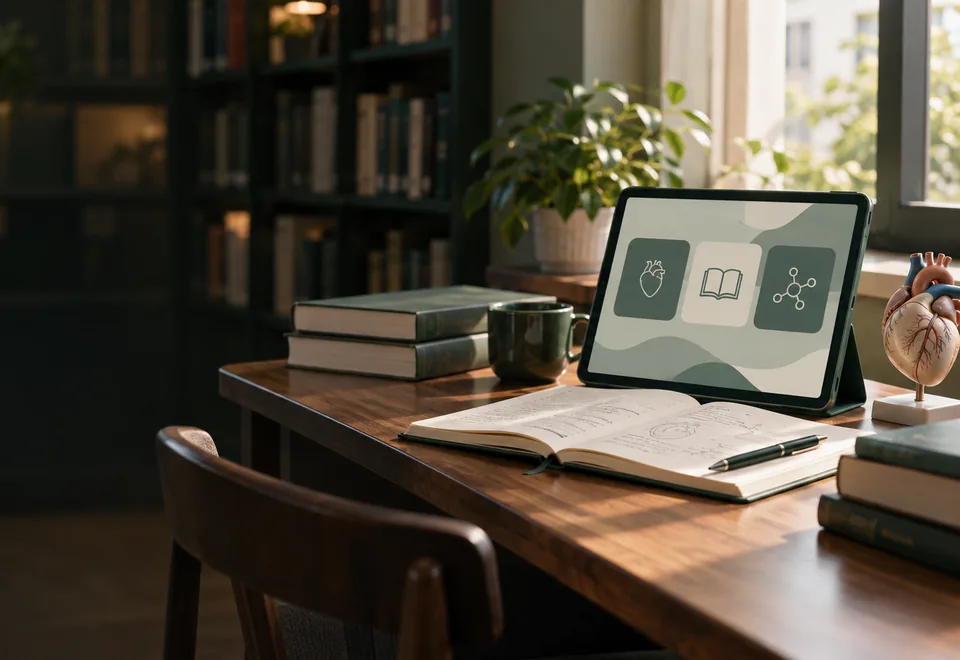
Revising for First MBBS? Use the FirstHope MBBS subject guide for Anatomy, Physiology and Biochemistry, alongside the NMC undergraduate curriculum PDF.
Newsletter & attachments
Check the original source
MUHS Examination Department results portal
Open official source